
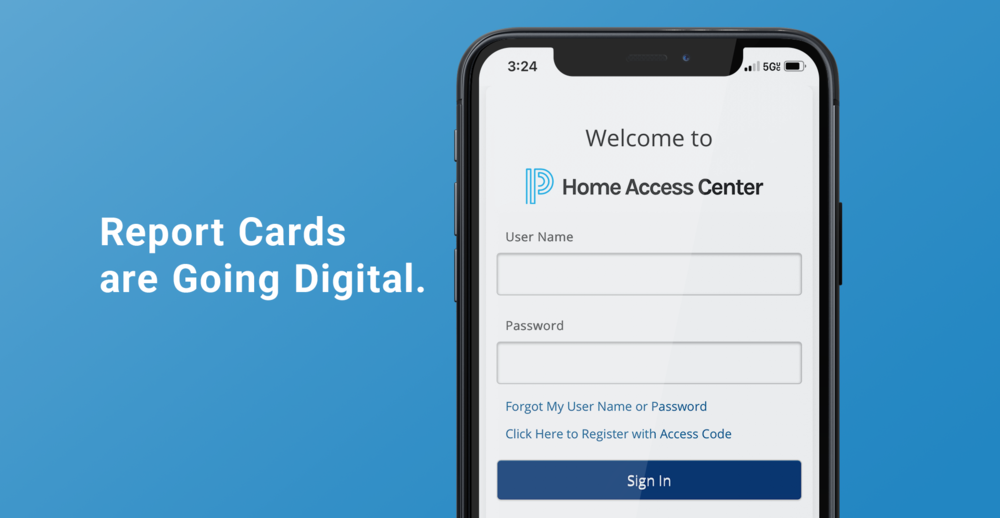
New this school year: Report cards and progress reports are now available digitally for RPS 205 K–12 students. This change provides families with convenient, secure access to your student’s information.
Families can log in to Home Access Center (HAC) to view their student’s report card or progress report by clicking on the Home Access Center button on the district or any of the school’s websites: https://hac.rps205.com/HomeAccess/Account/LogOn?ReturnUrl=%2fhomeaccess%2f
You can also sign up for email or text notifications in Home Access Center for when report cards and progress reports are ready to view.
New to Home Access Center? Here’s how to use it:
Need more help? Contact your student’s school’s Main Office or the IT Help Desk at 815-966-3112 (option 2 or option 3).
Printed copies are available upon request from your school’s Main Office or by submitting the Printed Report Card Form on each school’s website.